15, 30 or 60 Seconds: How Long Should Your Promo Video Be?
Short and punchy or longer and detailed? How to choose the right promo video length for your platform and goal, with a simple structure for each length.
Read article
Logo, photos, offers, contact details: a simple checklist of what to send your video team, plus tips for taking great product photos with your phone.
A great promo video starts long before any editing happens. It starts with what you send your video team. Clear photos, a sharp logo and a simple message make it much easier to create a video that looks professional and sounds like your business. The good news is that you probably already have most of what's needed on your phone or computer. This checklist covers exactly what to gather, how to send it, and how to take better photos with the phone in your pocket.
Your logo appears in almost every promo video, often at the start and the end. A blurry or pixelated logo instantly makes a video look cheap, so it's worth finding the best version.
If a designer made your logo, ask them for the original files. It's a good thing to have saved somewhere safe anyway.
If you have set brand colours (for example, the exact green and gold on your shop sign), share them. Colour codes like #1A7F3C are ideal, but a photo of your signage or a printed flyer also helps. Mention any font you always use, too.
Your images are the heart of the video. Send more than you think you need, so there's room to choose the strongest ones. Ten to twenty good images is a comfortable range for a 30-second video.
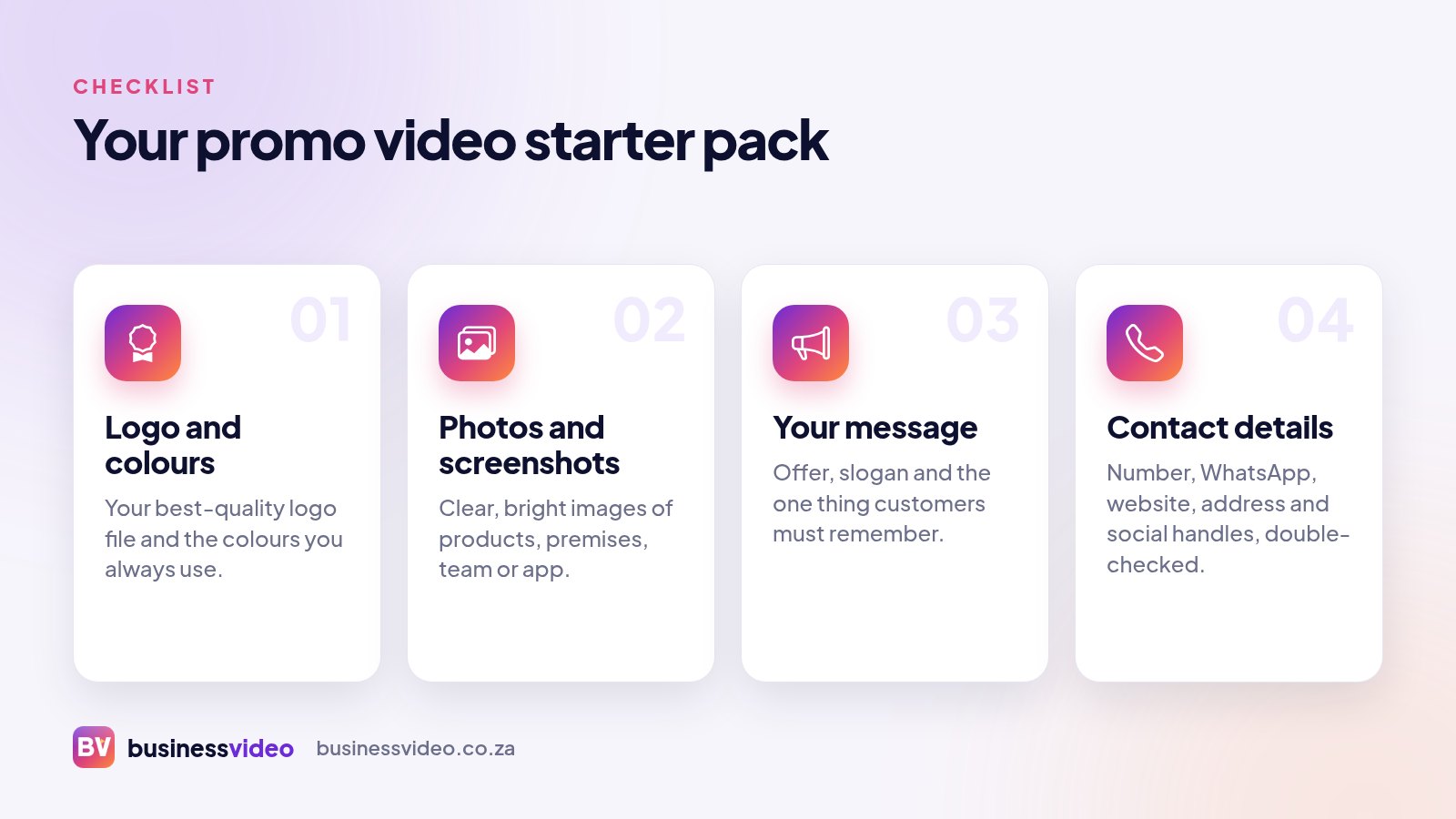
Images show people what you do. Your words tell them why it matters. You don't need a polished script (that's part of what a video team helps with), but a few clear points go a long way.
If you'd like to go further and draft your own script, read how to write a promo video script that sells.
Do you have a brochure, menu, price list, flyer, company profile or website? Send it or share the link. It gives your video team the right words, services and tone, and keeps your messaging consistent.
Nothing hurts more than a great video with the wrong phone number. Send exactly what should appear, and check it carefully:
Choose what matters most. A video crowded with every contact detail is harder to read. Often one main contact method plus your website is enough.
Tell your video team where you plan to use the video, so they can choose the right shape and length:
You don't need an expensive camera. Today's phones take lovely photos if you follow a few simple habits.
WhatsApp often compresses photos when you send them normally. Where possible, send images as documents, upload them through the order form, or share a cloud folder link so the original quality comes through.
Once you've ticked off this checklist, you have everything needed for a strong promo video. At Business Video, you upload your logo, photos and details when you place your order. We create the video with voiceover, captions, music and your branding, and you watch it free on a private link. You only pay (from R500) if you love it.
Curious about the process first? See how it works.
From R500. Watch it free, pay only if you love it.
Short and punchy or longer and detailed? How to choose the right promo video length for your platform and goal, with a simple structure for each length.
Read article
9:16, 16:9, 1:1 or 4:5? A plain-language guide to video formats, which platforms use which, where to keep your text, and how to get one video in many sizes.
Read article
A simple five-part structure for promo video scripts, how many words fit in 15, 30 or 60 seconds, and a sample 30-second script you can borrow.
Read article